
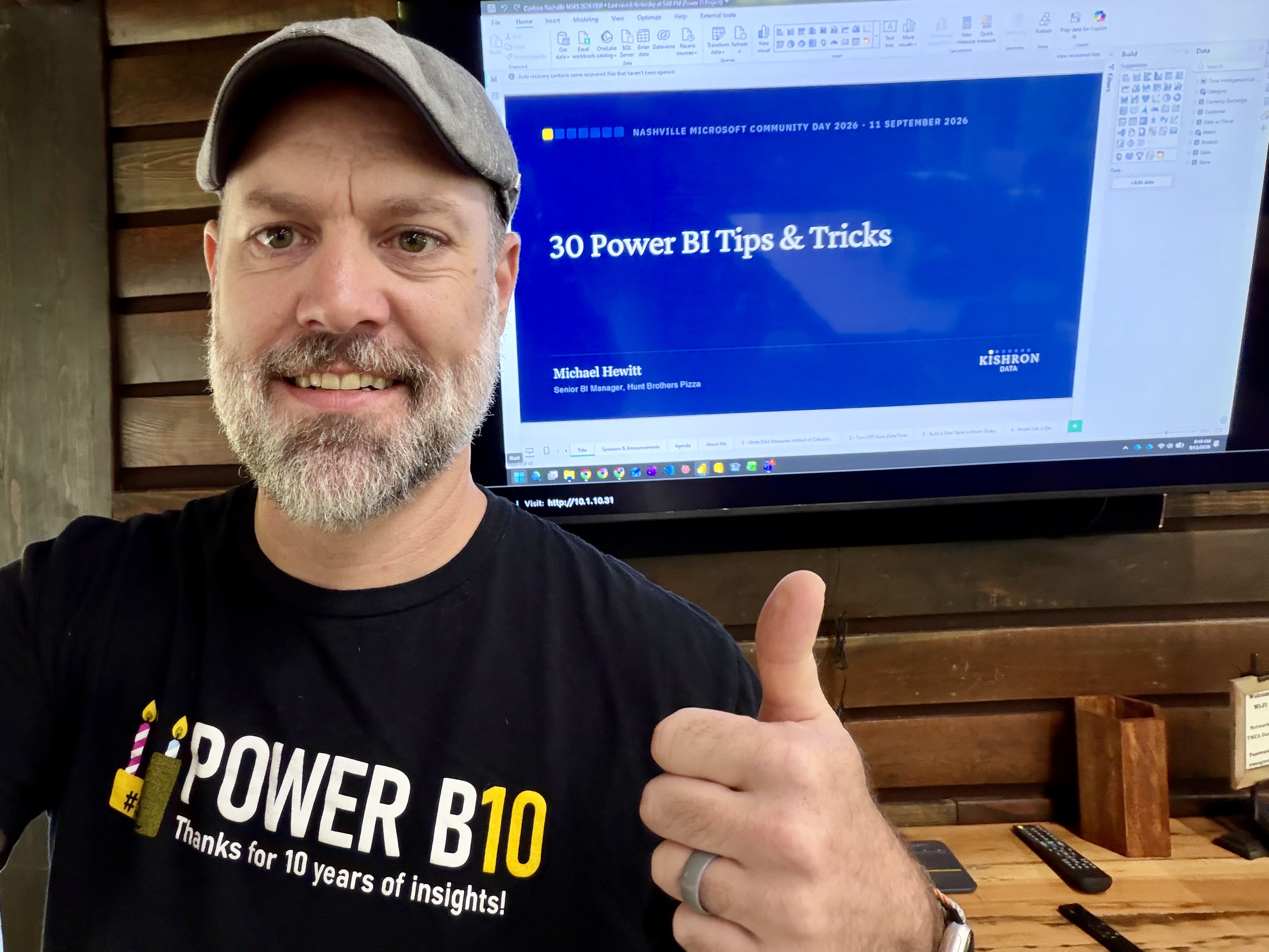
The Nashville M365 Community Day (part of TN Days) took place today at the Nelson Andrews Leadership Lodge in Nashville, Tennessee. What a fun day and beautiful venue!
30 Power BI Tips & Tricks
Thank you to everyone who came and drank from the firehose of my session! 30 tips in 50 minutes (well, 53 minutes but who’s counting?) is quite a bit of content. But I hope my “field guide” is helpful to you. If you’d like to dig into the Power BI Desktop file to see how I setup the examples, see the link below. Make sure you download all 3 files – the .pbip file, the .Report file, and the .SemanticModel file.

PBI 30 Tips and Tricks Nashville Community Day 2026 – 2026-09-11 on Github
What I Learned Today
I learn something every time Jason Romans speaks. I really like how he explained Spark’s lazy evaluation in his session title Data on Fire: A Hands-On Intro to Spark in Fabric. Jason did a great job of explaining how pure Python can be written in a Fabric notebook but falls short when dealing with really large datasets. That’s why we need Spark, and as he showed, PySpark, the Spark-native flavor of Python built to handle large-scale data.

AI is real and AI is fantastic. I use it frequently. But I’m glad that folks like Sekou Tyler are talking about how going into autopilot when we use agentic AI development is a risk in report authoring. Does it save time? Of course. But we, as analysts and developers, need to take ownership of what is created to make sure it’s relevant and meaningful to our end users. I really like how he encourages AI use while giving a framework for thinking everything through before deploying reports to prod. In summary, AI should be your copilot not your autopilot.
Dan Evans‘ introductory session on Rayfin and Fabric Apps gave a look at a very new Fabric feature. I have yet to dive into Fabric Apps so I found his overview helpful. I see some really interesting potential for data visualization with these apps.
I really enjoyed Eric Kelly’s session on dynamic array formulas in Excel. Eric is a finance professor at the University of Tennessee. Listening to professors is always fun. They’re very comfortable owning a room and because of their work have a great ability to impart knowledge to folks in attendance. It’s like sitting in a class without feeling like you’re sitting in a class. That certainly was the case with Eric. On the technical side, I learned how to work with array functions to create arrays of different shapes and sizes, all using the same array functions.
The final session I attended today was on, Azure Logic Apps presented by Charles Lakes II. To be fair, I haven’t built any Logic Apps so I learned something in the first couple of minutes: Azure Logic Apps is Power Automate for IT pros. Power Automate is best for business power users, and Logic Apps is best suited for long enduring solutions that can be maintained by the dev team who will know how to manage it when it breaks or when something changes. Said another way, Power Automate is great for smaller, user level workflows and Azure Logic Apps is made to handle enterprise level workloads. Charles demoed an interesting example of unzipping files in a SharePoint document library to allow them to be searchable within SharePoint.
For those who attended, what did you learn today? Drop your learning in the comments below.
Leave a Reply